Suspikuutti (@Suspikuutti@sauna.social)
I love Godot, but I wish it's 3d viewport and the whole UI would behave as well as blender does. Or maybe i'm just too used to Blender, but it just feels o right for me
#godot #blender
Show Original Post
timkrief (@timkrief@framapiaf.org)
I started making an eye shader 👀. Only using gradients as textures, will be way better with actual textures. #godot #godotengine #shader
Show Original Post
ArmouredWizard (@ArmouredWizard@dice.camp)
Ruby Radiance
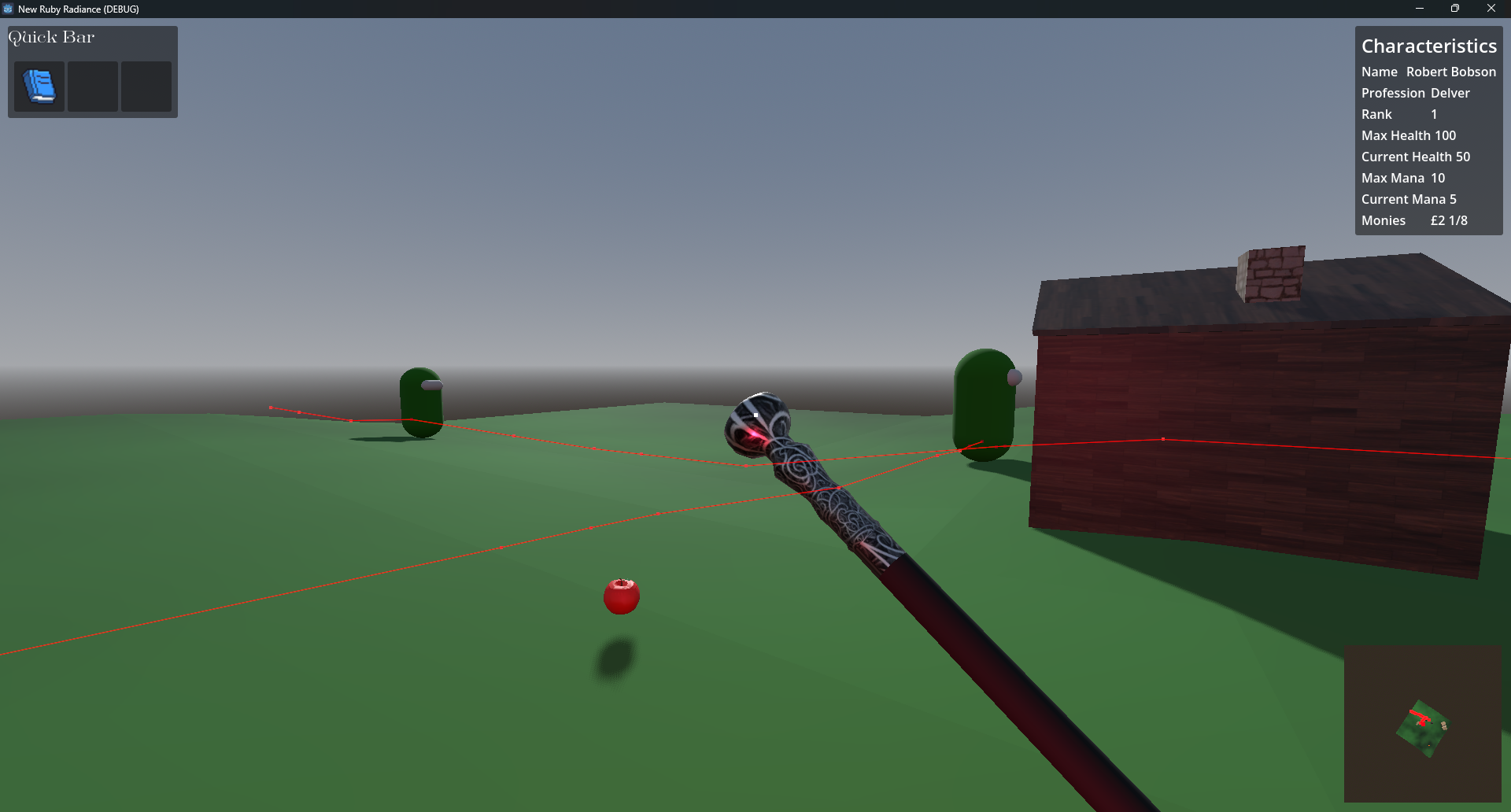
Wrote a very simple "Drunkard's Walk" for my NPCs to randomly wander about - if they get too far from "home", they go back.
But sometimes they get stuck! I'm not sure if it's a Mesh thing (in which case I don't need to fix it until I have "real" meshes) or a bug in the code :(
#gamedev #rpg #godot #roguelike #gdscript #rougelight #godotengine
Show Original Post
v (@v@loops.video)
Making a little WIP sphere reference app in godot, and wow that horizontal circle moves weird. #Godot #geometry
Show Original Post
omegansDomain (@omegansDomain@mastodon.social)
As for my main project, adding the last gameplay mechanics:
#indiegame #godot #gamedev
Show Original Post
ColdEmber (@ColdEmber@hachyderm.io)
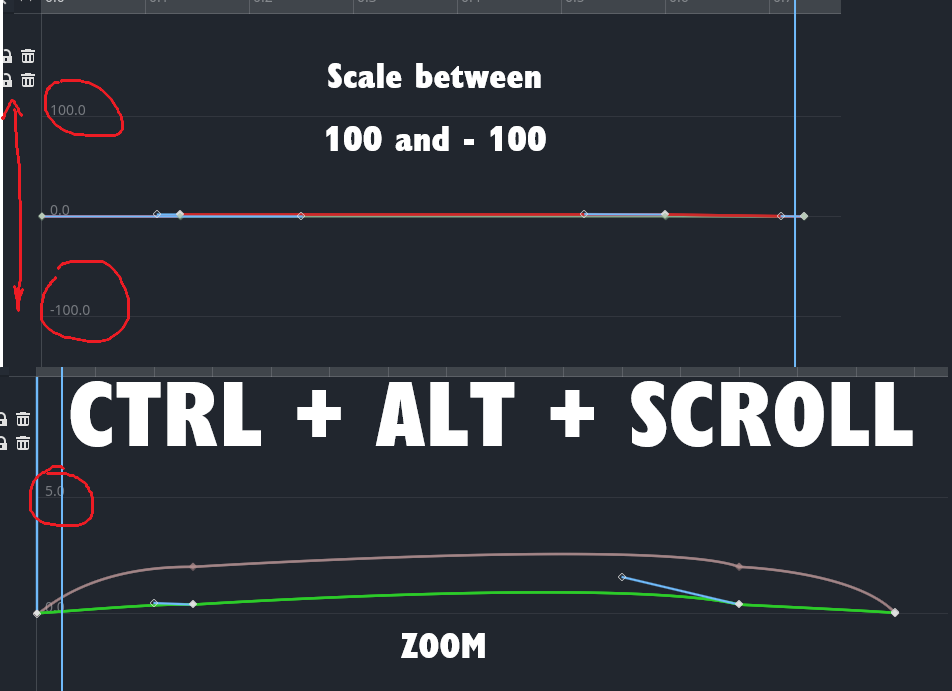
#GodotTip of the day. Bezier curves in the animation players are quite zoomed out (at least in 4.5 which I use). You need to do CTRL + ALT + SCROLL to actually use them. #Godot
Show Original Post
artificialmind (@artificialmind@fosstodon.org)
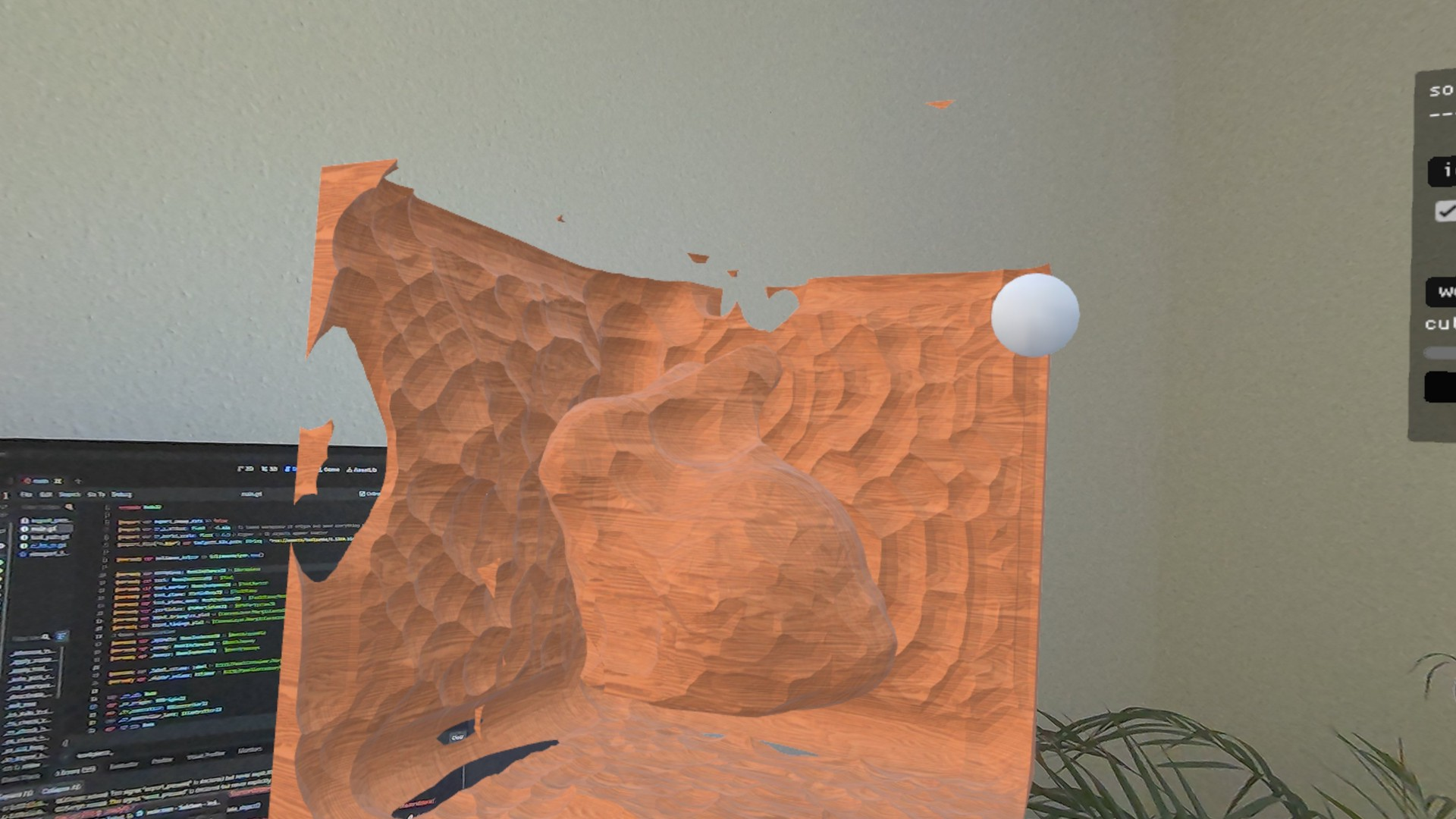
It's kinda meditative to see a wooden bunny auto-carved in AR.
I'll try to figure out how to do video captures I promise :D"
(Still fiddling with the high-perf exact mesh booleans demo on the Quest 3...)
#geometry #ar #vr #quest3 #godot
Show Original Post
youen (@youen@mastodon.gamedev.place)
Still a lot of things to fix and improve, but it's slowly taking shape.
Show Original Post
ratking (@ratking@mstdn.io)
Wrote a new entry in my devlog https://fholio.de/log/2026/#2026-04-30 #gamedev #Godot
Show Original Post
supernovafiles (@supernovafiles@mastodon.gamedev.place)
Hi everyone!
Does someone knows how to implement avoidance with NavigationAgent3D? For context: my enemies try to reach a spot (Marker3D) behind the player, and I want them to reach that position avoiding a certain area around the player. I baked a navmesh, I added the nav agent to the enemies and a nav obstacle to the player, but nothing works. At least the enemy reaches the spot.
Show Original Post
czlowiekimadlo (@czlowiekimadlo@mastodon.social)
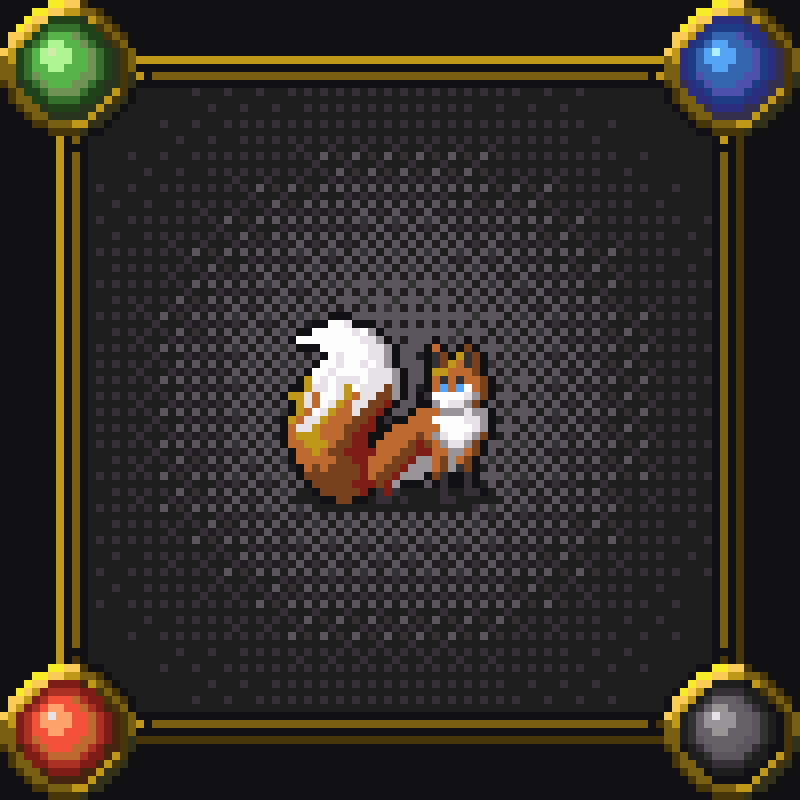
Sly fox enters the game!
https://store.steampowered.com/app/4102770/Slay_the_Q/
#indiedev #godot #godotengine #gamedev #pixelart #SlayTheQ
Show Original Post
ArmouredWizard (@ArmouredWizard@dice.camp)
Ruby Radiance
Godot
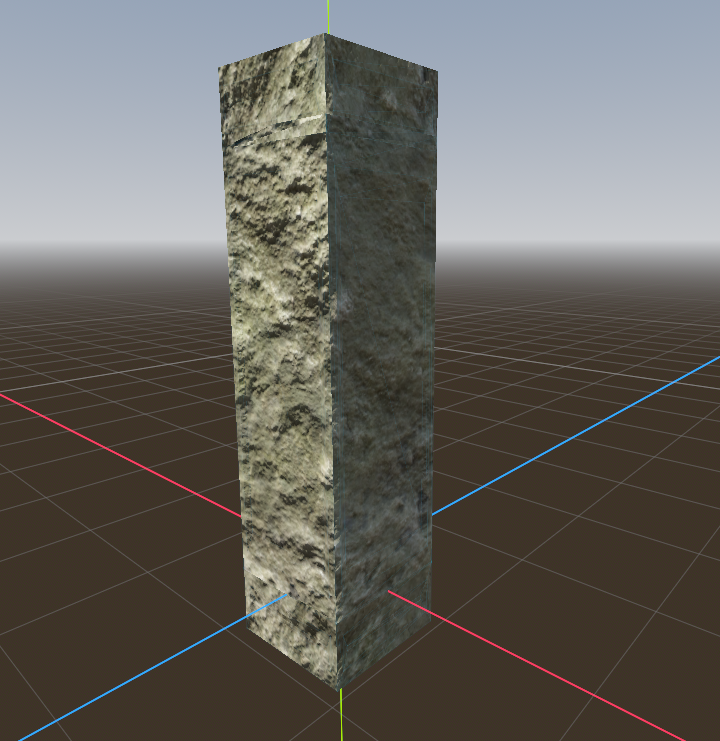
Getting fed up with GridMaps!
Tried to add some texture to my Dungeon meshes, but the tiling is too noticeable. I think I want to use bricks/blocks instead. But I need to re-do the texture in Blender, re-import, rebuild the Meshes, rebuild the MeshLibrary...
All seems a lot of trouble.
Does anyone have a decent workflow for adjusting GridMap meshes?
#godot #gamedev #rpg #roguelike #gdscript #rougelight #godotengine
Show Original Post