theoasisbbs (@theoasisbbs@techhub.social)
RGB2HDMI Amiga 600: A600 Goes HDMI Anywhere
#Amiga600 #RGB2HDMI #DeniseChip #RaspberryPi #HDMI #AmigaMods #RetroHardware #ClassicComputing #Zipstick #FloppyDrive
https://theoasisbbs.com/rgb2hdmi-amiga-600-a600-goes-hdmi-anywhere/?feed_id=7117&_unique_id=6942ba17ad9e0

Show Original Post
theoasisbbs (@theoasisbbs@techhub.social)
PiStorm Framethrower HDMI Tested on an Amiga 2000
#Amiga2000 #PiStorm #Framethrower #Emu68 #RaspberryPi #RetroComputing #AmigaMods #RTG #WHDLoad #AmigaGaming
https://theoasisbbs.com/pistorm-framethrower-hdmi-tested-on-an-amiga-2000/?feed_id=7113&_unique_id=6942b7eceb284
Show Original Post
RPiSpy (@RPiSpy@mastodon.social)
Sustainable solutions: A year in review https://www.raspberrypi.com/news/sustainable-solutions-a-year-in-review/ #RaspberryPi (via Raspberry Pi)
Show Original Post
macinjosh (@macinjosh@oldbytes.space)
#RaspberryPi folks! Friend has a very smart 10-year-old who has been studying up on Raspberry Pi's. What would you recommend they get as a starter setup? Just the $5 pico? Or is there a certain model or add-ons that make it the most accessible for getting started?
Show Original Post
RPiSpy (@RPiSpy@mastodon.social)
Astro Pi is 10: A decade of your code in space https://www.raspberrypi.org/blog/astro-pi-is-10-a-decade-of-your-code-in-space/ #RaspberryPi (via Raspberry Pi Foundation)
Show Original Post
PierreLecourt (@PierreLecourt@oisaur.com)
Un portable C64 totalement imprimé en 3D sur une base de RPi
Envie d'utiliser un Portable C64 ? J'imagine que personne n'a jamais eu réellement cette envie. Néanmoins un vidéaste a une solution pour vous..
https://www.minimachines.net/?p=138149 #diy #raspberrypi

Show Original Post
itsfoss (@itsfoss@mastodon.social)
Thinking of using a Raspberry Pi as your daily driver? These Linux distro options might surprise you. 🖥️
https://itsfoss.com/raspberry-pi-desktop-os/
Show Original Post
Elecrow (@Elecrow@mastodon.social)
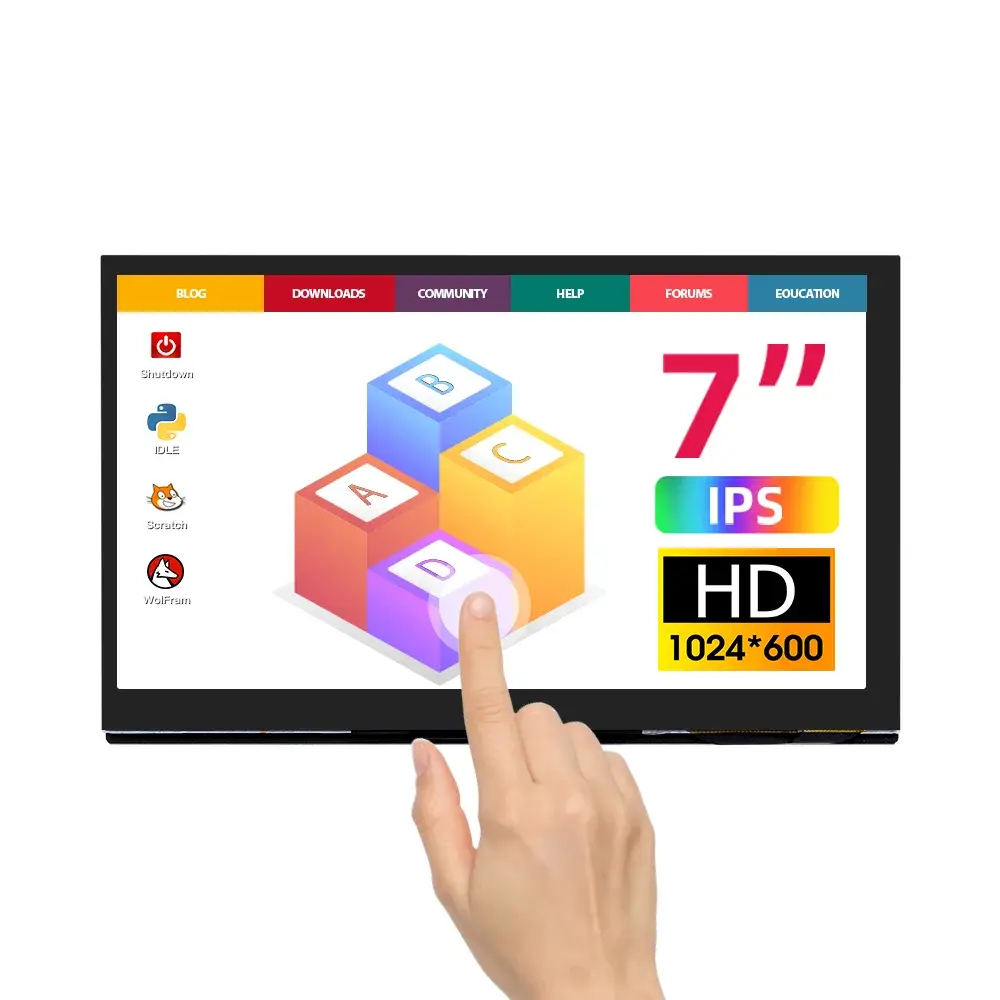
📢 #NewArrival Alert: Explore #Elecrow's Latest Product Here 👋🏻
⭐ Introducing the 7 inch IPS HD Touch Screen Compatible with #RaspberryPi/BeagleBone® Black.👇
https://www.elecrow.com/7inch-ips-hd-touch-screen-d-1024-600-hd-monitor-compatible-with-raspberry-pi-bb-black-etc.html
Show Original Post
MrNick2 (@MrNick2@mastodon.social)
Working as designed except some dummy left a ground loose.
#3dprinting #raspberrypi #Ghosted

Show Original Post
thomasjsn (@thomasjsn@fosstodon.org)
It's been three years since I last posted about my #RaspberryPi security alarm project. The project is alive and well, constantly developed, and used daily.
Here is my attempt at breaking the writer's block and get it documented:
https://blog.cavelab.dev/2025/12/rpi-diy-alarm-update/
Show Original Post
paulrickards (@paulrickards@mastodon.social)
I added an internal speaker (from an old iPad) and headphone jack to my Typeframe. Since I used a Pi 5 with no on-board analog audio, I used a USB audio dongle.
I was delighted to learn of the simplicity of switching 3.5mm headphone jacks. They have 5 poles instead of 3. The audio source and internal speaker are wired to the headphone jack pins. They're normally closed and the internal speaker works. Plug in headphones, it switches. So simple!
#Typeframe #RaspberryPi #WriterDeck #CyberDeck

Show Original Post
avlcharlie (@avlcharlie@mastodon.social)
Rewire complete.
Every connection soldered and solid and servo/motor wires in nice long bundles...thats a break..

Show Original Post