useRef is one of the important Hooks in React. It is mainly used to store a value that persists between renders without causing a re-render. It can also be used to directly access a DOM element.
To use useRef, we need to import it from React:
import { useRef } from "react";
What is useRef?
useRef creates a reference object that contains a property called current.
const myRef = useRef(initialValue);
For example:
const countRef = useRef(0);
Conceptually, React creates an object like:
{ current: 0 }
We can access or modify the value using:
countRef.current
The important point is that changing ref.currentdoes not cause the component to re-render.
Accessing DOM Elements
One of the most common uses of useRef is accessing a DOM element directly.
For example, suppose we have an input field and want to focus it when a button is clicked.
import { useRef } from "react";
function App() { const inputRef = useRef(null);
function handleFocus() { inputRef.current.focus(); }
After React renders the input, inputRef.current refers to that actual DOM element.
Therefore:
inputRef.current.focus();
directly focuses the input.
Real-world example
Think about a TV remote. The remote is used to directly control a particular TV.
Similarly:
useRef ↓ Reference ↓ DOM element ↓ Direct interaction
useRef Does Not Cause Re-render
This is the most important difference between useRef and useState.
With useState:
const [count, setCount] = useState(0);
If we do:
setCount(10);
React updates the state and re-renders the component.
But with useRef:
const countRef = useRef(0);
countRef.current = 10;
The value changes, but React does not re-render the component.
We can remember it like this:
useState value changes ↓ re-render ↓ UI updates
useRef value changes ↓ no re-render
useRef vs useState
Both useState and useRef can store values, but they behave differently.
useStateuseRefStores stateStores a mutable referenceChanging state causes re-renderChanging current does not cause re-renderUsed when UI needs to updateUsed when UI doesn't need to updateUpdated using setter functionUpdated using .currentExample: counter displayed on screenExample: timer ID or DOM reference
For example:
const [count, setCount] = useState(0);
Changing:
setCount(5);
causes a re-render.
Whereas:
const countRef = useRef(0);
Changing:
countRef.current = 5;
does not cause a re-render.
Important Point About .current
Whenever you use useRef, remember the current property.
const myRef = useRef(null);
The value is accessed using:
myRef.current
For example:
const countRef = useRef(0);
console.log(countRef.current);
Output:
0
We can change it:
countRef.current = 10;
Now:
console.log(countRef.current);
Output:
10
But React does not re-render just because current changed.
Conclusion
useRef is a React Hook used to create a persistent reference. It is especially useful when we need to access a DOM element directly or store a value that should survive between renders without causing a re-render.
The easiest way to remember useRef is:
useRef = Remember a value + Access a reference + No re-render
The two most important ideas are:
useRef ↓ current ↓ 1. DOM reference 2. Persistent value
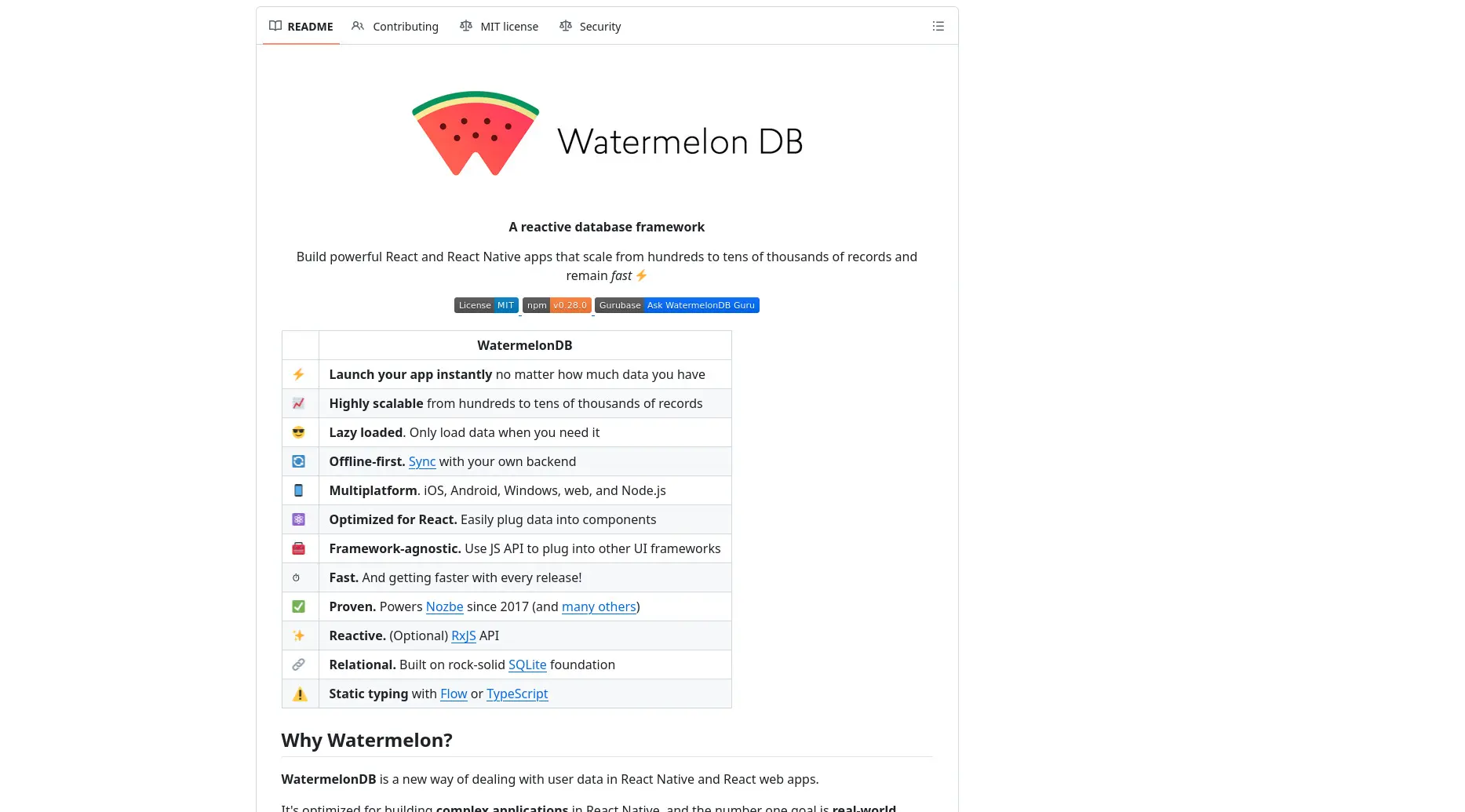
WatermelonDB is a new way of dealing with user data in React Native and React web apps. It's optimized for building complex applications in React / React Native, and the number one goal is real-world performance.
When building a React application, components often need to share data with other components. Normally, we pass data from a parent component to a child component using props. This works well when the components are close to each other. However, when the data needs to travel through several components before reaching the component that actually needs it, the code can become difficult to manage. This problem is known as prop drilling.
Context provides a way to share data between components without having to pass that data manually through props at every level. You can think of Context as a common place where certain data is made available to a group of components. Any component inside that Context can access the shared data directly, even if there are other components between them.
For example, imagine a component structure where App contains Parent, Parent contains Child, and Child contains Profile. If Profile needs the username stored in App, we would normally have to pass the username from App to Parent, then from Parent to Child, and finally to Profile. Context allows us to avoid this unnecessary chain of props.
What is Context?
Context is a React feature that allows data to be shared across multiple components without explicitly passing it through props.
Common types of information that can be shared through Context include:
Logged-in user information
Application theme
Selected language
Shopping cart data
Application settings
Context is particularly useful when the same data is required by many components at different levels of the component tree.
What is useContext?
useContext is a React Hook that allows a component to read the value stored in a Context.
A Context itself does not automatically provide data to every component. We normally create a Context, provide a value to it using a Provider, and then use useContext inside a component to access that value.
The basic flow is:
createContext() ↓ Create a Context ↓ Provider ↓ Provide shared data ↓ useContext() ↓ Read the shared data
function GrandChild() { const username = useContext(UserContext);
return <h1>Hello {username}</h1>; }
export default App;
Key Points to Remember
Props are used to pass data from a parent to a child.
Prop drilling happens when data is passed through components that do not actually need that data.
Context provides a way to share data with multiple components.
A Provider supplies the data to the components inside it.
useContext allows a component to read the data from a Context.
Context is useful for data that needs to be accessed by many components at different levels.
Context does not replace useState; they solve different problems. useState manages state, while Context provides a way to share values across components.