heals (@heals@indiepocalypse.social)
"The compiler is unable to type-check this expression in reasonable time; Try breaking it down into distinct subexpressions" while what you want to tell me is "compiler error on line 75" just has to be one of the most idiotic #SwiftUI design choices ever..
Show Original Post
uphill (@uphill@techhub.social)
I managed to find some good time to program over the new year. It took me 3 days to figure out how to sort and search in Japanese until I was happy with the results. Japanese is such a pain for this but done right I think the users will appreciate it without knowing.
I’ve most of the app done now but I’m totally not happy with how some of the screens work yet. More fun is required! Having dodged UI work for my career, I find this part the most painful. #swiftui is at least pleasing to work with as I can see my code come to life pretty fast.
Show Original Post
ios_newsletter_snapp (@ios_newsletter_snapp@mastodon.social)
Ever struggle with sheets that look wrong on iPad? This deep dive into adaptive sheet presentation shows you how to design layouts that feel native on every device size.
🔗: https://alexanderweiss.dev/blog/2025-12-30-adaptive-sheet-presentation-in-swiftui by Alexander Weiß (@alexanderwe)
Show Original Post
xenodium (@xenodium@indieweb.social)
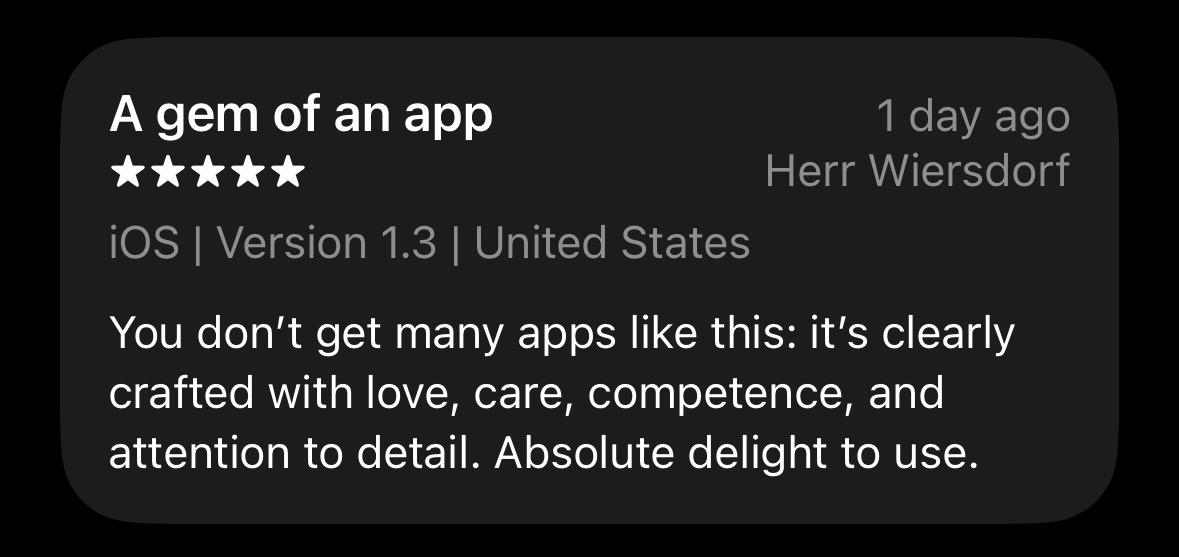
Journelly's latest review ❤️❤️❤️
Available on the App Store as always ;) https://apps.apple.com/us/app/journelly/id6470714669
#journelly #ios #swift #swiftui #org #orgmode #markdown #plaintext #privacy #offline
Show Original Post
gregatron5 (@gregatron5@vmst.io)
Hey #SwiftUI devs.
On the left is iOS 18.6. On the right is iOS 26 running the exact same code. It’s a Menu inside a toolbar. Any idea what's going on here or how to fix it? (Ideally I'd use a Picker, but you can't customize the label for it.)
Show Original Post
devto_vn_bot (@devto_vn_bot@mastodon.maobui.com)
Bài viết hướng dẫn quản lý trạng thái điều hướng trong SwiftUI cho các tình huống khởi động nguội, deep link và chuyển tab.
Key:
- Sử dụng NavigationStack với path kiểu state liệu tuần tự hoá (Codable Route enum)
- Lưu và khôi phục path qua UserDefaults
- Xử lý deep links bằng cách ánh xạ URL → route
- Quản lý path riêng biệt cho từng tab/cửa sổ
- Kết quả: ứng dụng ổn định, hỗ trợ đa cửa sổ và dễ kiểm thử
#SwiftUI #NavigationState #iOSDevelopment #StateRestoration
#LậpTrìnhGame #QuảnLýTrạngThá
Show Original Post
StewartLynch (@StewartLynch@iosdev.space)
Xcode Previews can be powerful, or painful. I show how Preview Traits fix that: type-safe configs, reusable custom traits, and preview-only mock data layers. This will save you hours. https://www.youtube.com/watch?v=zrqFczU1iFg&feature=youtu.be #Swift #SwiftUI

Show Original Post
dimitribouniol (@dimitribouniol@mastodon.social)
Out of time, but tomorrow night, let's add a few more test cases. See you then!
🔜 Tomorrow’s stream: https://youtube.com/live/VdL2gO0s7Wg
⏮️ Playlist so far: https://www.youtube.com/playlist?list=PLRxjf93xotuofCtaxtGOcWeuxVZYJyY-m
📲 Download Jiiiii: https://apps.apple.com/app/apple-store/id6472801548?pt=14724&ct=MastodonCCStreams&mt=8
#Jiiiii #DevStream #tvOS #visionOS #macOS #iOS #iPadOS #Anime #Swift #SwiftUI #Vapor #WebAuthn #BuildInPublic #TestFlight #PWA #WebPush
Show Original Post
everyplace (@everyplace@mastodon.social)
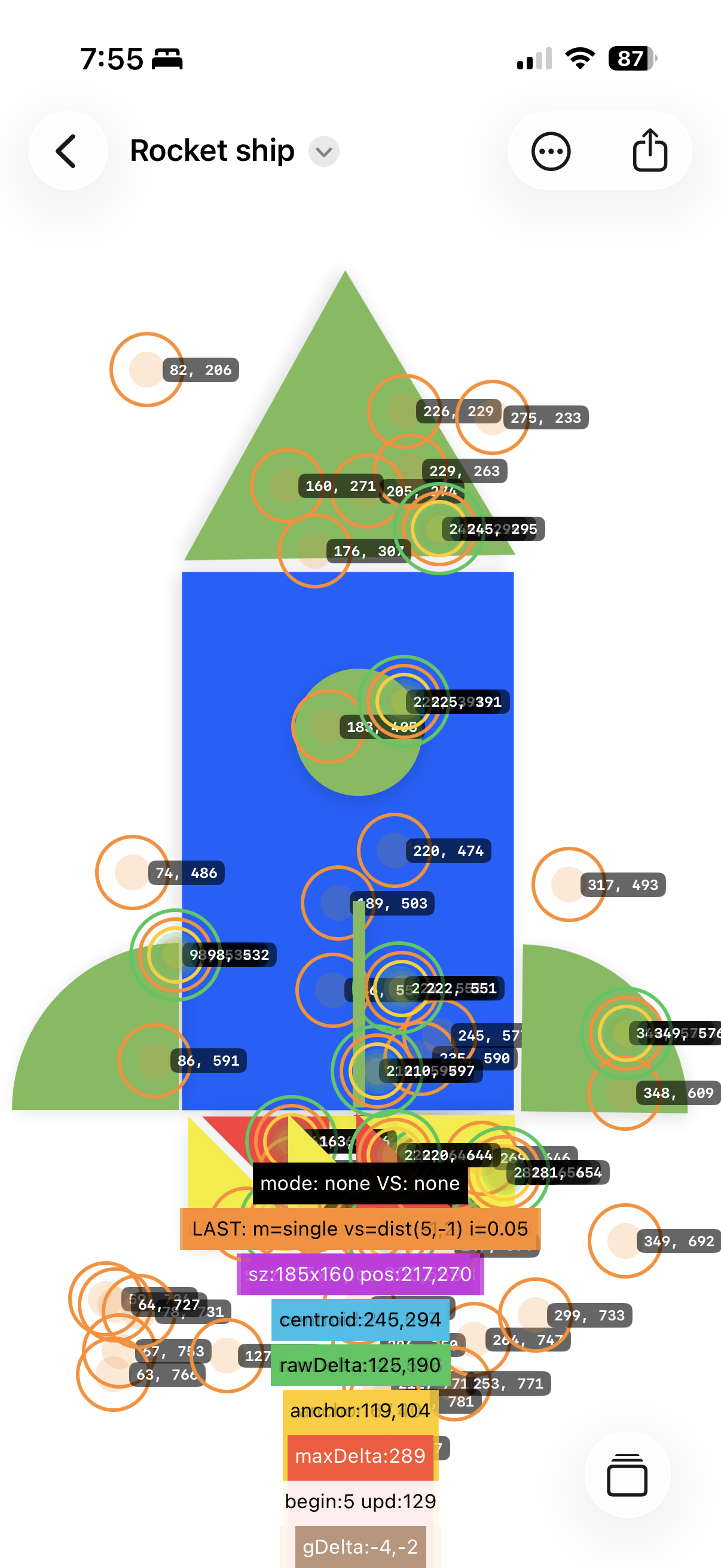
Added a hilarious touch debug layer to work through the final rotation issues.
#RandomForms #BuildInPublic #swiftui
Show Original Post
dimitribouniol (@dimitribouniol@mastodon.social)
I'm making a seasonal anime guide app, in the open for all to experience and learn from.
Late (and short) stream, but let's add some unit tests for syncing list entries!
#Jiiiii #DevStream #tvOS #visionOS #macOS #iOS #iPadOS #Anime #SwiftLang #SwiftUI #Vapor #WebAuthn #BuildInPublic #TestFlight #PWA #WebPush
Come chill with me: https://youtube.com/live/g8E-yhrOQGg
Show Original Post
edoardovicoli (@edoardovicoli@iosdev.space)
Do you know that by using .swipeActions or .onDelete modifiers in #SwiftUI with iOS 26.0 or higher you're going to have memory leaks with your view models? #iosdev
Show Original Post
iamshift (@iamshift@mastodon.social)
Hot-Cold Finder is out.
I wrote about building a proximity-driven experience on iOS 26 with Nearby Interaction, and the design decisions that matter once the novelty wears off.
https://iamshift.substack.com/hot-cold-finder-ios-26
#iamshift
#ForTheUser #iOSDev #Swift #SwiftUI #AppleDev
Show Original Post