dankantor (@dankantor@mastodon.social)
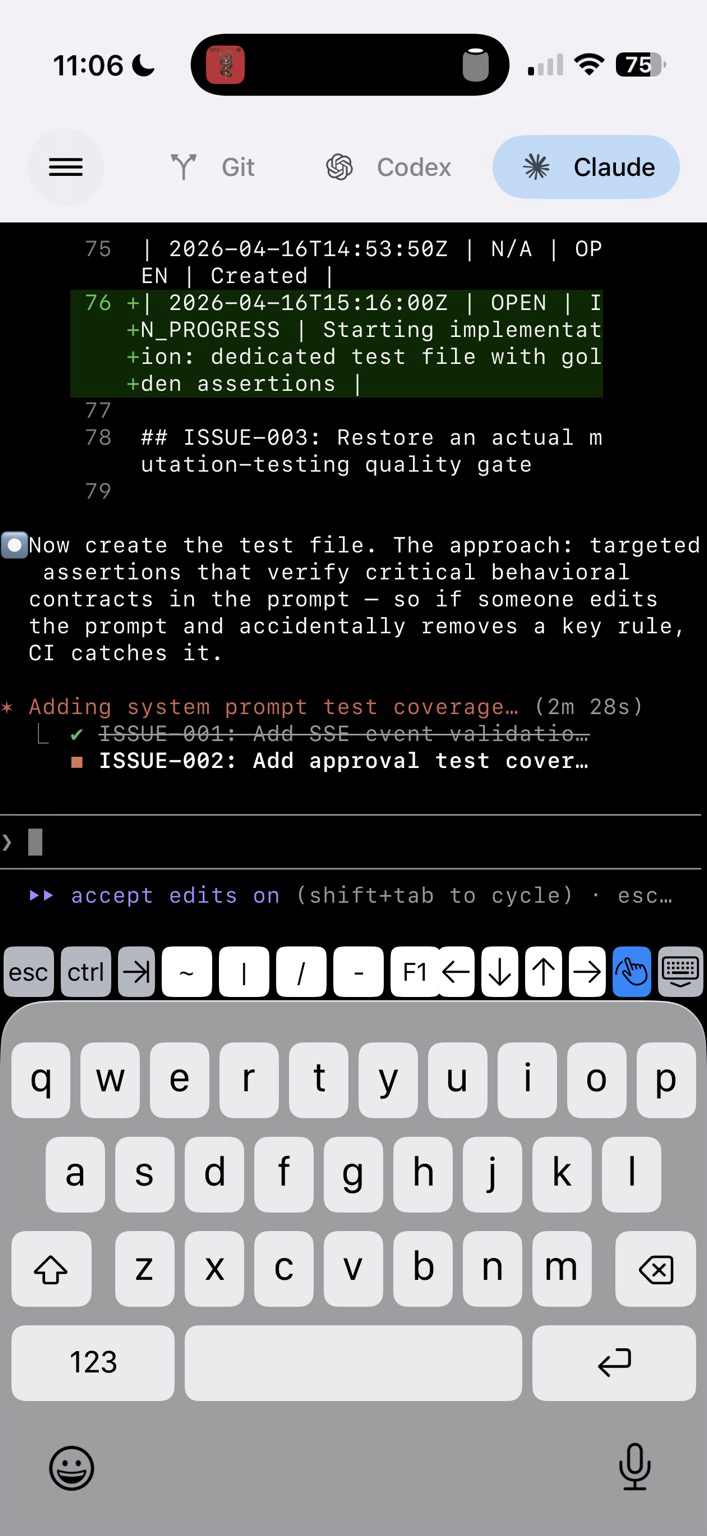
Really loving this thing I built. It speeds everything up for me and allows me to agentic code from anywhere. Hoping to share it soon. #swiftui #BuildInPublic #agenticai
Show Original Post
dimitribouniol (@dimitribouniol@mastodon.social)
…aaaand I underestimated how bad my use of un-normalized indexes was… Tomorrow night, let's continue going through and fixing things. See you then!
🔜 Tomorrow’s stream: https://youtube.com/live/O4Z2bDc_Oq0
⏮️ Playlist so far: https://www.youtube.com/playlist?list=PLRxjf93xotuofCtaxtGOcWeuxVZYJyY-m
📲 Download Jiiiii: https://apps.apple.com/app/apple-store/id6472801548?pt=14724&ct=MastodonCCStreams&mt=8
#Jiiiii #DevStream #tvOS #visionOS #macOS #iOS #iPadOS #Anime #Swift #SwiftUI #Vapor #WebAuthn #BuildInPublic #TestFlight #PWA #WebPush
Show Original Post
dimitribouniol (@dimitribouniol@mastodon.social)
I'm making a seasonal anime guide app, in the open for all to experience and learn from.
Another short stream, but let's double check other indexes for normalization!
#Jiiiii #DevStream #tvOS #visionOS #macOS #iOS #iPadOS #Anime #SwiftLang #SwiftUI #Vapor #WebAuthn #BuildInPublic #TestFlight #PWA #WebPush
Come chill with me: https://youtube.com/live/uCZeBoEm3y8
Show Original Post
disqo (@disqo@mastodon.social)
#SwiftUI animation and withAnimation work differently!
1) animates any changes, not just changes to the value parameter
``` .animation(.linear(duration: duration).repeatForever(autoreverses: false), value: rotationAmount)
.onAppear { rotationAmount = .pi * 2 }
```
2) working as expected:
``` .onAppear {
withAnimation(.linear(duration: duration).repeatForever(autoreverses: false)) {
rotationAmount += .pi * 2
}
}
```
Show Original Post
sayzard (@sayzard@mastodon.sayzard.org)
Min Choi (@minchoi)
Manus My Computer를 사용해 아이폰에서 원격으로 맥의 로컬 파일, Xcode, 터미널을 조작하며 SwiftUI용 macOS 앱 VoiceNote를 직접 빌드한 사례를 소개한다. 모바일 기기에서 데스크톱 개발 환경을 원격 제어해 앱을 만드는 혁신적 AI 활용 예시다.
https://x.com/minchoi/status/2044434275651424669
#ai #remotework #swiftui #xcode #developertools
Show Original Post
nessbeth (@nessbeth@social.bitwig.community)
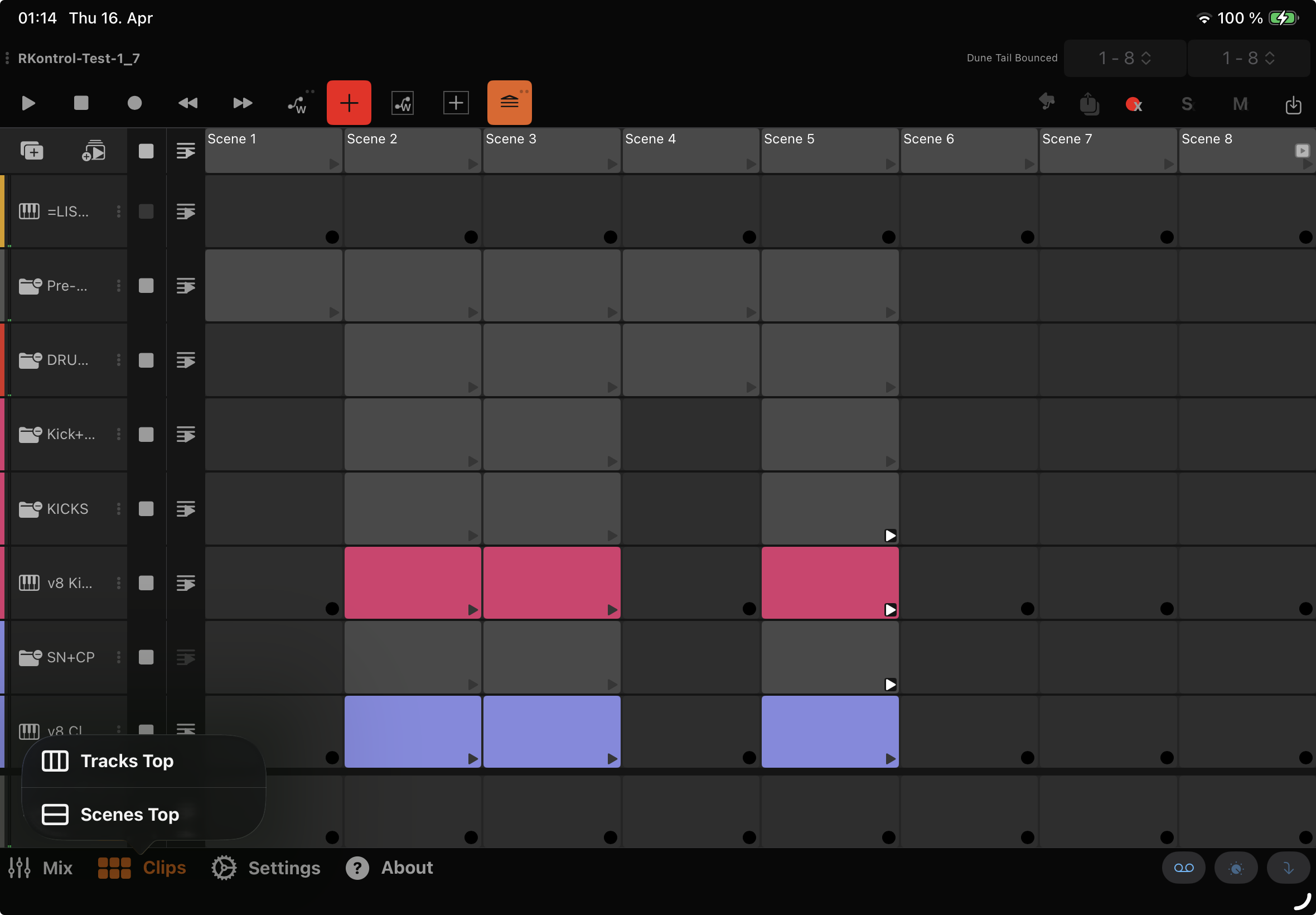
can't wait to release this :D besides performance optimizations (and I'm talking HUGE cpu usage drop) I'm trying to add more features that make working with it even more fun
R-Kontrol 1.7 coming...
#bitwig #bitwigremotecontrol #bitwigstudio #daw #ios #swift #swiftui
#rkontrol #update
Show Original Post
Ian_goudie (@Ian_goudie@mastodon.social)
Just shipped Slumba — a sleep sounds app for every Apple device. One in-app purchase unlocks iPhone, iPad, Mac, Apple TV, and Apple Watch.
5 presets, each with 3 independently adjustable sound layers. Mix them however you want.
No subscription. No tracking. Fully offline.
Demo video below.
🔗 apple.co/4t6qam5
Show Original Post
danielinoa (@danielinoa@mastodon.social)
SwiftUI’s default stack spacing is bad API design.
#swiftui #ios
https://danielinoa.com/posts/swiftui-default-stack-spacing
Show Original Post
emorydunn (@emorydunn@mastodon.tinycart.club)
Released a new Take Stock beta which includes the determinate progress bars for writing metadata and fixes the text field formatter issues for exposure settings.
https://lostcause.photo/projects/takestock?download=beta
#SwiftUI #IndieDev #BuildInPublic #Photography
Show Original Post
SassyTurtle (@SassyTurtle@tech.lgbt)
Ok so I accidentally-ed an entire 3D rendering pipeline. XD
And I’ve started a blog where I’m documenting neat tech things from the past year of working on CosmiCut, and I will definitely be outlining some recent adventures soon.
But, today is a day of celebration! CosmiCut 2.6.0 is up and available for iPhone, iPad, Mac, and Vision Pro!
https://apps.apple.com/us/app/cosmicut-spatial-video-editor/id6723866121
https://www.cuttingthroughcode.tech/posts/april-cosmicut-update-dropped/
There’s a lot of cool new, but some highlights are:
* new custom on-device depth ml model for creating spatial videos from 2D videos
* Create ‘spatial gifs’ from frames in clips
#VisionPro #swiftui #spatialvideo #liquidglass #applevisionpro #AppleDeveloper #cosmicut #indiedev #indiedeveloper #apps #appstore #mac #ios #ipados #visionos #cosmicut
Show Original Post
SassyTurtle (@SassyTurtle@tech.lgbt)
Ok so I accidentally-ed an entire 3D rendering pipeline. XD
And I’ve started a blog where I’m documenting neat tech things from the past year of working on CosmiCut, and I will definitely be outlining some recent adventures soon.
But, today is a day of celebration! CosmiCut 2.6.0 is up and available for iPhone, iPad, Mac, and Vision Pro!
https://apps.apple.com/us/app/cosmicut-spatial-video-editor/id6723866121
https://www.cuttingthroughcode.tech/posts/april-cosmicut-update-dropped/
There’s a lot of cool new, but some highlights are:
* new custom on-device depth ml model for creating spatial videos from 2D videos
* Create ‘spatial gifs’ from frames in clips
#VisionPro #swiftui #spatialvideo #liquidglass #applevisionpro #AppleDeveloper #cosmicut #indiedev #indiedeveloper #apps #appstore #mac #ios #ipados #visionos #cosmicut
Show Original Post
cocoafrog (@cocoafrog@hachyderm.io)
Really #swiftui? All `.confirmationDialog`s are shown as popovers in Liquid Glass, but the confirmationDialog-API has no way to control the arrow direction to make the popover look good and not overlap anything important?
(And of course the docs aren‘t updated because they still say that the popover style of `confirmationDialog` only applies in „regular size classes“)
Show Original Post