feedle (@feedle@mastodon.social)
🔁 From our "Digital Crossroads" collection:
Nonprofit news site The Banner expands beyond Baltimore - https://www.niemanlab.org/2025/09/nonprofit-news-site-the-banner-expands-beyond-baltimore/?ref=feedle.world
---
See other stories like this one here: https://feedle.world/digital-crossroads
#web #internet #socialmedia #blogging
Show Original Post
antonproitzelhaimer (@antonproitzelhaimer@mastodon.social)
Wer #DunjaHayali bedroht, bedroht die #Demokratie und jede Form von gemässigter #Vernunft. Sie ist eine der besten Journalistinnen Deutschlands. Man muss diese rechten #Vollidioten #ignorieren.
Nach #SocialMedia-#Shitstorm: Dunja Hayali zieht sich vorerst aus Öffentlichkeit zurück | taz.de
https://taz.de/Nach-Social-Media-Shitstorm/!6113897/
Show Original Post
PetaPixel (@PetaPixel@toot.earth)
Trump Says TikTok Deal Has Been Reached but China Is Less Committal https://petapixel.com/2025/09/15/trump-says-tiktok-deal-has-been-reached-but-china-is-less-committal/ #socialmedia #Technology #bytedance #Culture #tiktok #china #trump #News #Law #app
Show Original Post
openonline (@openonline@mastomondo.net)
📰 Ruba dai profili privati dei social le foto di 25 amiche, poi le pubblica su un sito porno: indagato 23enne milanese
#️⃣ #ATTUALIT #Giovani #Inchieste #Lombardia #Milano #Socialmedia #Violenzasulledonne #Openonline #News #Notizie #Italia #mastomondo
🔗 https://www.open.online/2025/09/15/ruba-foto-social-sito-porno-indagato/
Show Original Post
Cap_Puckhaber (@Cap_Puckhaber@mastodon.social)
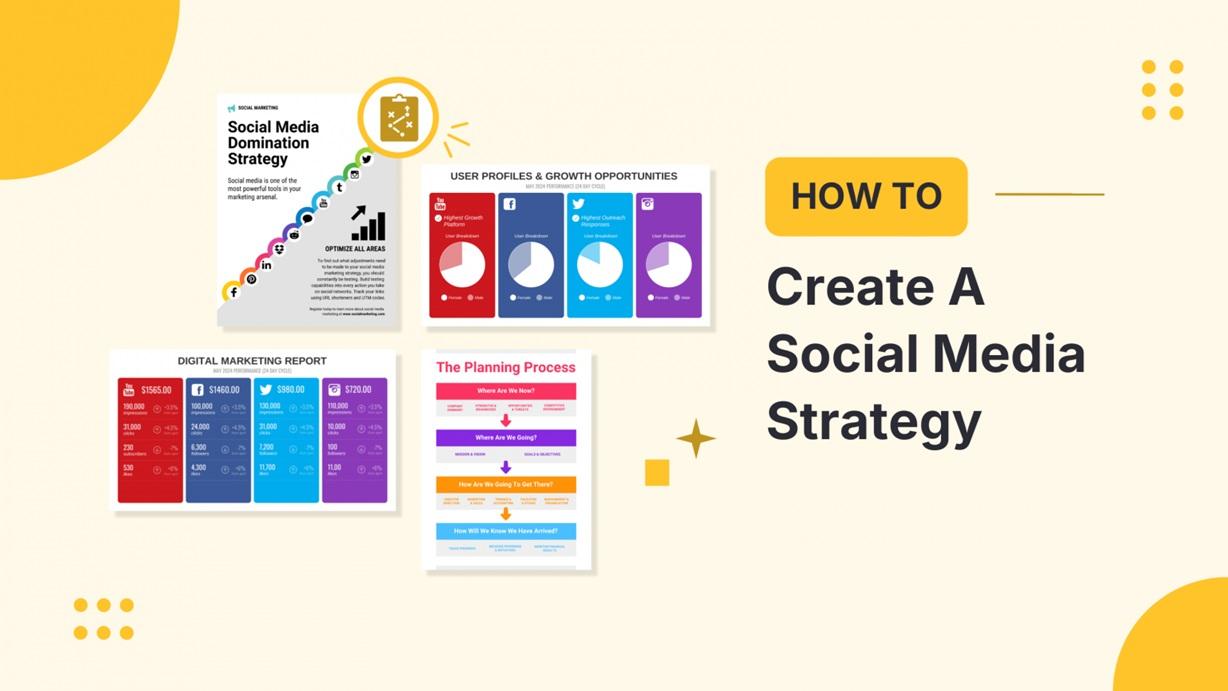
🚀 New Blog Post! Cap Puckhaber shares how to build a Social Media Advertising Strategy AND a free social media marketing plan template! Perfect for small businesses ready to crush their social game. 💡📈 Read now: https://blackdiamondmarketingsolutions.com/social-media-marketing-plan-template/
#SocialMediaMarketing #cappuckhaber #socialmedia #marketing #marketingplan #business
Show Original Post
tarkoy1 (@tarkoy1@mastodon.social)
So, can someone explain what this so-called social media is even supposed to be? ‘Cause right now it just looks like some straight up nonsense to me.
Show Original Post
aibay (@aibay@mastodon.social)
🚗#Volkswagen accelera sul futuro: 1 miliardo in Intelligenza Artificiale entro il 2030. Pronti a viaggiare nel #FuturoDellAuto? 🚀 #socialmedia #artificialintelligence #technology
🔗 https://aibay.it/notizie/volkswagen-investe-1-miliardo-in-ai-entro-il-2030-2025-09-10
Show Original Post
feedle (@feedle@mastodon.social)
🔁 From our "Digital Crossroads" collection:
Planning for the unexpected - https://podnews.net/update/planning-unexpected?ref=feedle.world
---
See other stories like this one here: https://feedle.world/digital-crossroads
#web #internet #socialmedia #blogging
Show Original Post
2025 (@2025@pauloflaherty.com)
8 Free Marketing Tools I Actually Use
There are literally thousands of posts online with lists of free marketing tools for small business owners, and solopreneurs to use, but most are written by companies with a vested interest in plugging their own tools.
They, of course, don’t post these lists for altruistic reasons, but because they hope to collect your data, get you on their “free trial,” and ultimately upgrade you to their paid plans.
Well, I have no such vested interest. So, here is a list of free tools that I use every single day. I won’t be covering any AI tools in this list, as each of these tools is a more specific use case.
All of these tools have a free tier that will do everything you need, and there should be no reason to hand over your credit card to pay for a subscription unless you fall in love, or want the extra features. My description of each tool will focus on the features of the free tiers only.
I hope you find something useful in here to help yougrow your business. 😊
Feedly (Or Any RSS reader) – Competitive Listening
I’ve written plenty of times about how RSS is great for keeping up with the news without having to visit other sites, but did you know that it’s also a marketing superpower?
You can use Feedly, or any RSS reader, to track your competitors’ latest posts and social updates simply by following their RSS feeds. Now you know what your competitors are saying, and when.
You can also use RSS to keep track of conversations in your industry, giving you valuable talking points to build marketing material around, and keep you up to date on the latest happenings.
You can even save articles to custom boards for writing about in your newsletter, socials, or your own site.
Google Alerts – Competitive Listening
Google Alerts is another amazing tool that I have been using since it launched way back in 2003. It’s a great way to keep track of what people are saying on the web, on sites that you may never even have heard. This includes people talking about you, your product, or your competitors across forums, blogs, and the internet in general.
At its core it’s very simple: You enter a search term such as your name, company name, keywords, etc. and it scours the web looking for mentions of those terms.
Sounds simple right? Well the magic comes from the fact that those searches can be Boolean terms and search operators, so you can do complex OR, AND etc. searches, to really hone in on what you want to track.
Think: “Paul OFlaherty” OR “Paul O’Flaherty” AND “consultant”.
This would return results for the two common spellings of my name but only show them if they are paired with the term consultant.
Those results can then be sent to me by email, or RSS, as they are discovered, or in daily or weekly digests.
The filtering can get far more granular too. You can limit results by source such as News, Blogs, or the general Web (and more), by language and even by country.
You can set up multiple different searches for different terms, and I would suggest your own name / company name / website / social media usernames / products and similar for your top competitors.
Buffer – Social Post Scheduling
This is a rather simple but one, but a huge time saver.
The free tier of Buffer allows you to schedule (or send instantly) posts to up to three different social networks at once. Couple that with Meta Business Suite (which I’ll talk about next) and you can schedule posts for 5 platforms at once without spending a penny.
Buffer supports 11 social platforms at the time of writing, and has ideas boards, templates, and a content scheduling calendar all available as part of the free tier. There is also a free mobile app, and extensions for your browser of choice so you can share interesting things on the fly.
I currently use Buffer to schedule posts for Threads, Mastodon and BlueSky. I suspect Meta Business Suite will add the ability to post to Threads soon, so that will free up a spot on Buffer for LinkedIn or Google Business Profiles.
Meta Business Suite – audience insights & Post Scheduling
Meta Business Suite is Meta’s all-in-one tool for planning, scheduling, creating, and posting to Facebook profiles, groups and pages, as well as to Instagram. It’s also your consolidated location for direct messages, responding to comments, and more. This is also the de facto place to create your Facebook and Instagram ad campaigns.
I use MBS not just to schedule posts for my Facebook Page, and Instagram profile, but to look in on the audience insights (to see locations and demographics of the people who interact with my content), and the general performance of posts including views, reach, and interactions from followers and non-followers.
I suspect that Meta will integrate Threads into MBS in the future, especially as they are pushing advertising into the platform.
Metricool – Track ALL the Socials
Metricool allows you to track your followers, impressions, interactions, posts and more across pretty much all of social media.
You can track your own website, all of the major social networks, TikTok, Google Business Profiles, YouTube, Twitch, and advertising on Meta, Google Ads and TikTok Ads for free.
The only caveat is that you’ll have to pay if you want LinkedIn or Twitter / X tracking, and you are limited to the last 3 months of tracking.
As limiting as this may sound, it’s still a great way to see what content and platforms are performing for you, as well as providing a simple, one stop location for you to enter data into your own spreadsheet if you’re tracking things like followers, views, engagement, posts etc.
Google Analytics – Everything About Your Website
What can be said about Google Analytics that hasn’t been said before? It’s the granddaddy of analytics tools, and if you take the time to learn how to use it, it can offer detailed insights on everything from traffic acquisition, to engagement, monetization, audience demographics and far far more.
I won’t deny that Google Analytics is a beast, and can be very intimidating at first, but if you take the time to learn it, and pair it with Google Search Console, the data and insights you can glean are invaluable.
Canva – Create Social Graphics And Video
Canva is my go-to tool for knocking out quick graphics or quick animated social videos like reels. While a lot of the tools like the automatic background remover are locked away, the free tier is still very generous and should allow you to create everything form social posts, banners, posters, memes and more with ease.
You don’t have to be a designer to create something that looks good. There are a ton of free templates and assets available, and you can upload your own images and video with ease.
I have everything from templates for my podcast artwork, header images for posts, YouTube video thumbnails and more all ready to go inside Canva.
Obsidian – Second Brain and Productivity Superpower
Obsidian is not so much a marketing tool but a personal knowledge manager and for me it really is my second brain and world organiser.
If Google Keep, Evernote and OneNote had a baby you might get Obsidian, except it’s way more useful than any of its parents.
On the surface it’s incredibly simple. It’s an interface that allows you to create markdown files (think text files with minimal formatting) and organize them with folders and tags.
But where it really comes into its own is when you start adding in plugins to make it do just what you want it to do.
You can add everything from to-do list tracking, Kanban boards (no more paying for Trello), AI narration of your posts, clip notes from the web, build databases or templates to automate post creation for things like podcast show notes, and so much more. The possibilities are almost endless.
Perhaps the coolest feature is that it doesn’t just help store and organize information, it can surface it too. Because you can tag all entries and link to other entries, Obsidian can build amazing knowledge graphs that can help surface insights you didn’t notice before. You can even have AI build those connections for you with the right plugin.
Best of all, it’s all free. Yes you can pay for Obsidian if you want to support the product and use their sync service, but there are also numerous free plugins that will allow you to sync between the mobile and desktop apps using the services you currently like, such as OneDrive, Google Drive, or even Git.
And you don’t have to worry about lock-in. Everything is saved in markdown files (.md) and they can be opened by any other markdown editor, even regular old Notepad on a Windows PC.
Honourable Mention
It’s worth listing your sites analytics as an honorable mention. If you use a platform like WordPress.com, Shopify or any other that you pay for, make sure you check out their inbuilt analytics.
While these analytics are far less detailed than Google Analytics, they often present key information in a way that is easier to understand and come to grips with. This makes them a great resource for a “quick overview” of how things are going, when making decisions about what to post, sell, promote etc.
#Marketing #smallBusiness #SocialMedia #tools

Show Original Post
openonline (@openonline@mastomondo.net)
📰 La stretta sui cellulari di Valditara scatena l’ironia degli studenti su TikTok: telefoni dei nonni sulle cattedre, Nokia 3310 e Nintendo riesumati – I video
#️⃣ #SCUOLAEUNIVERSIT #Giovani #GiuseppeValditara #Meme #Scuola #Socialmedia #TikTok #Video #Openonline #News #Notizie #Italia #mastomondo
🔗 https://www.open.online/2025/09/15/scuola-stretta-cellulari-valditara-ironia-studenti-video-tiktok/
Show Original Post
fictograma (@fictograma@mastodon.social)
El deseo de escribir sin una idea concreta, definiéndolo como "no-escritura", un ejercicio que surge del impulso creativo sin dirección clara en https://fictograma.com/ver_cuento?id=1077
#literature #books #socialmedia #literatura #cuentos

Show Original Post
aibay (@aibay@mastodon.social)
📱Google supera i limiti! Presenta Veo 3 AI con video verticali a 1080p. Per un'esperienza visiva senza compromessi. #GoogleInnovation #Veo3AI #socialmedia #artificialintelligence #technology
🔗 https://aibay.it/notizie/google-porta-veo-3-ai-a-1080p-con-video-verticali-2025-09-10
Show Original Post