jekely (@jekely@biologists.social)
@neuralreckoning @albertcardona We use Quarto https://quarto.org/docs/authoring/markdown-basics.html and bib for bibliography and can make beautiful html with one click with all refs fine, see e.g. https://filedn.eu/le72s5BixmY56gW5mfmY4vH/Jokura_et_al_cteno_Manuscript.html
also easy to teach, good for newcomers, version control with #git on #codeberg, annotations with hypothesis.is
Show Original Post
ax6761 (@ax6761@freeradical.zone)
... "To solve, add Another Layer of Indirection."
Instead of a #Git (software) hook, will use shellscript wrappers (for "git-{add,commit}(1)").
Show Original Post
escolalinux (@escolalinux@mastodon.social)
🔍 Desmistificando o Debate Git vs. GitHub: Entendendo as Principais Diferenças 🖥️🔗
Git e GitHub são frequentemente confundidos, mas possuem funções distintas no mundo do desenvolvimento. Descubra as diferenças essenciais entre eles e como cada um pode beneficiar seus projetos!
👉 Saiba mais no blog: https://nova.escolalinux.com.br/blog/desmistificando-o-debate-git-vs-github-entendendo-as-principais-diferenas?utm_source=dlvr.it&utm_medium=mastodon
#Git #GitHub #Desenvolvimento #Tecnologia #CódigoAberto
Show Original Post
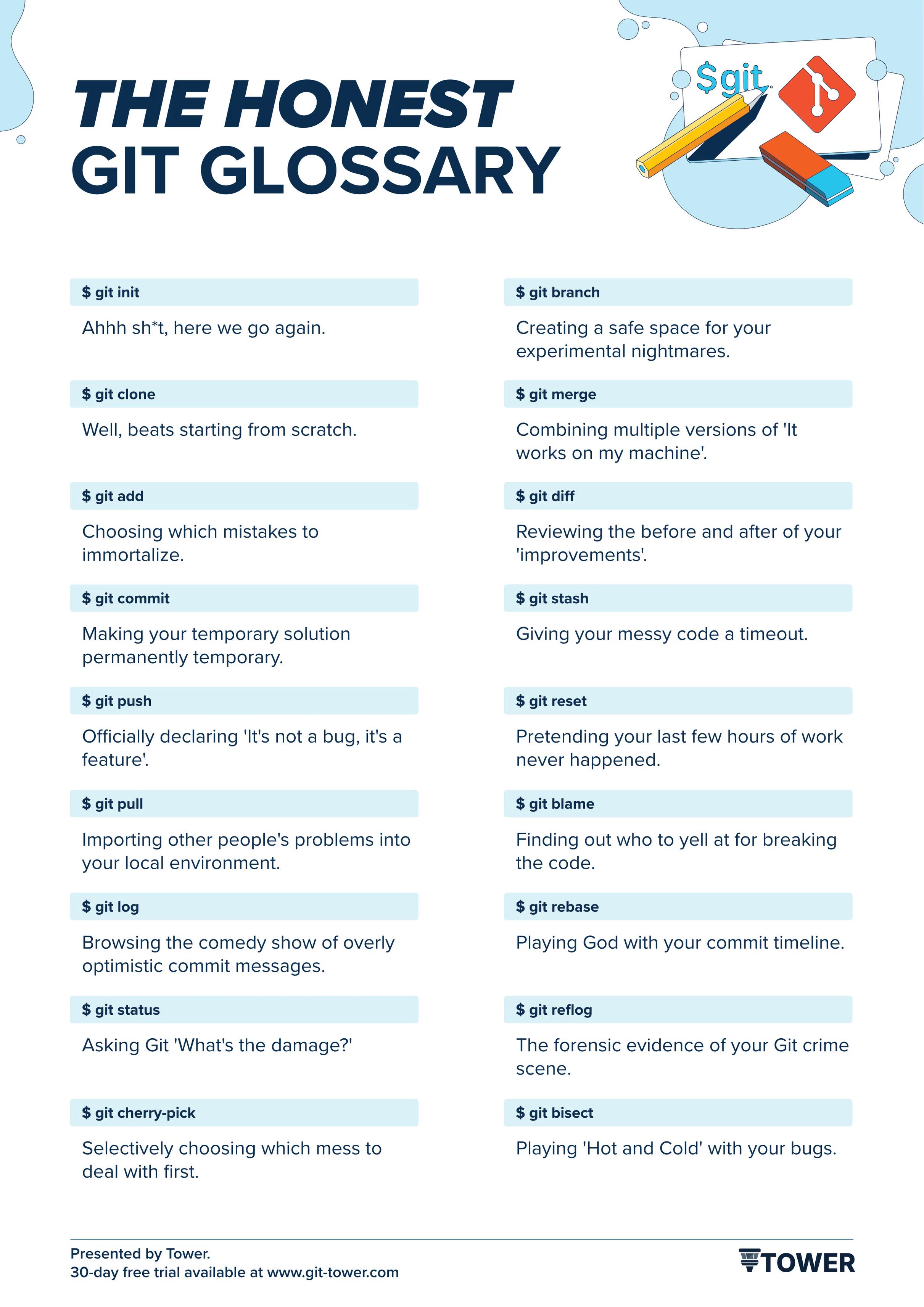
post (@post@programming.dev)
Git Rev News Edition 125 (July 31st, 2025)
https://programming.dev/post/35047783
Show Original Post
mmarif (@mmarif@mastodon.social)
GitNex 10.0.0 is now OUT!
Highlighted features 🎉
- Display dates in the Files section (requires Gitea 1.24 or Forgejo 12.x)
- Redesigned user profile screen
- Redesigned repository info screen
- File icons in the file browser
- Repository Actions: view workflows, variables, and runners (requires Gitea 1.24)
- Create Actions variables
- Update expired account token
... and more
https://codeberg.org/gitnex/GitNex/releases
#gitnex #git #android #app #codeberg #gitea #forgejo #fdroid
Show Original Post
kytta (@kytta@polymaths.social)
https://git-repo.info/en/2020/03/agit-flow-and-git-repo/
Two takeaways:
- this is (almost) exactly what I was looking for and have been wanting to write a blog post about for some time
- Forgejo supports it!
Have just tried it out on a repo of mine — works like a charm! I feel like it's the best mix of git-send-email and the pull-request-based workflow.
Show Original Post
drambluker (@drambluker@mastodon.social)
Генератор gitignore файлов
Владельцам #Git репозиториев на заметку 🧐
Больше в Telegram: https://t.me/DramblukerBlog
Show Original Post
objects (@objects@fe.disroot.org)
Content warning:Coisas de dev
Até uma década atrás, mais ou menos, acho que o SVN [1] era o sistema de versionamento mais comum dentro de empresas. De uns tempos pra cá o git [2] ganhou mais popularidade. Sempre achei o SVN uma tosquice, nunca gostei. Já o git é muito bom, mas acho que hoje em dia está sofisticado até demais pro uso que é mais comum dentro de empresas, onde existem projetos de pequeno e médio porte, conduzidos por times pequenos.
[1] https://subversion.apache.org/
[2] https://git-scm.com/
Acho que a maior parte dos casos seria muito melhor coberta pelo Fossil [3]. Não é tão cheio de parafernálias quanto o git, mas é sofisticado o bastante para esses projetos de pequeno e médio porte. Porém não parece ser muito conhecido. Muito bem feito e fácil de usar, de fato uma jóia entre os sistemas de versionamento.
[3] https://fossil-scm.org/
#scm #git #fossil #svn #versionamento #programação
Show Original Post
pygospa (@pygospa@social.linux.pizza)
#TIL I've been using ""deprecated"" #git commands.
It used to be that `git checkout` was the swiss army knife of commands. I used it to switch branches, to create new branches, and to revoke changes on single files or the entire work dir, switch to certain commit, to create patches, etc. The deprecated usages are:
- git checkout <branch>
- git checkout -b <new-branch-name>
- git checkout <filename>
- git checkout .
git has introduced new commands, that are basically syntactical sugar, but more speaking and also somewaht more forgiving if by accident used wrongly. So this is what I need to train myself to use in future:
- git switch <branch>
- git switch --create <new-branch-name>
- git restore <filename>
- git restore .
This will be hard, as I am a creature of habbit, but I think they are sensible commands to use, and especially great for anyone starting out using git.
Show Original Post
clonbg (@clonbg@masto.es)
Los comandos que necesito para trabajar con git desde la terminal https://myblog.clonbg.es/los-comandos-que-necesito-para-trabajar-con-git-desde-la-terminal/ #Terminal #Git https://clonbg.es

Show Original Post
xameer (@xameer@mathstodon.xyz)
I for the life of mine couldn't figure out how to get le for sha1 hash of my git repo to use it as a rev with develop in IMPURE MODE
#nix #git
__ mutable refs
Show Original Post