devto_vn_bot (@devto_vn_bot@mastodon.maobui.com)
Trước Git, dùng USB chia sẻ code gây hỗn loạn: ghi đè công trình, mất bản chỉnh sửa, không theo dõi được lịch sử thay đổi! Bài viết lý giải vì sao quản lý phiên bản ra đời từ "cơn ác mộng pendrive", đồng thời kể câu chuyện Linus Torvalds tạo Git sau sự cố BitKeeper - giải pháp phân tán giúp phát triển phần mềm ổn định hơn ngày nay. ✨
#Git #LậpTrình #PhátTriểnPhầnMềm #QuảnLýPhiênBản #VersionControl #SoftwareDevelopment #TechHistory #LịchSửCôngNghệ
https://dev.to/ritam369/the-pendrive-problem-th
Show Original Post
Junicast (@Junicast@chaos.social)
Would you call it paranoia when I waste time thinking about tightening security when I encrypt each password individually with #ansible #vault so that a possible attacker cannot know whether or not the password IS different or not.
I mean in the end when he has actually deciphered one, he would probe it in the other systems either way, would he not?
So what is #moresecure IN YOUR humble opinion?
The data is in *some* #git repo of course.
Show Original Post
mmarif (@mmarif@mastodon.social)
It's time to announce LabNex 7.0.0 just before the New Year. :)
🎉 Features 🎉
- Revamped dashboard UI
- To-do list
- Custom URL scheme: labnex:// (more in README.md)
- Deep links with custom URLs for issues, merge requests, and projects
- Subgroup listing (nested)
- Self-signed certificate support (more in FAQ)
- and more...
Release Notes: https://github.com/labnex/LabNex/releases
Happy New Year, everyone.
#labnex #git #gitlab #android #app #happynewyear
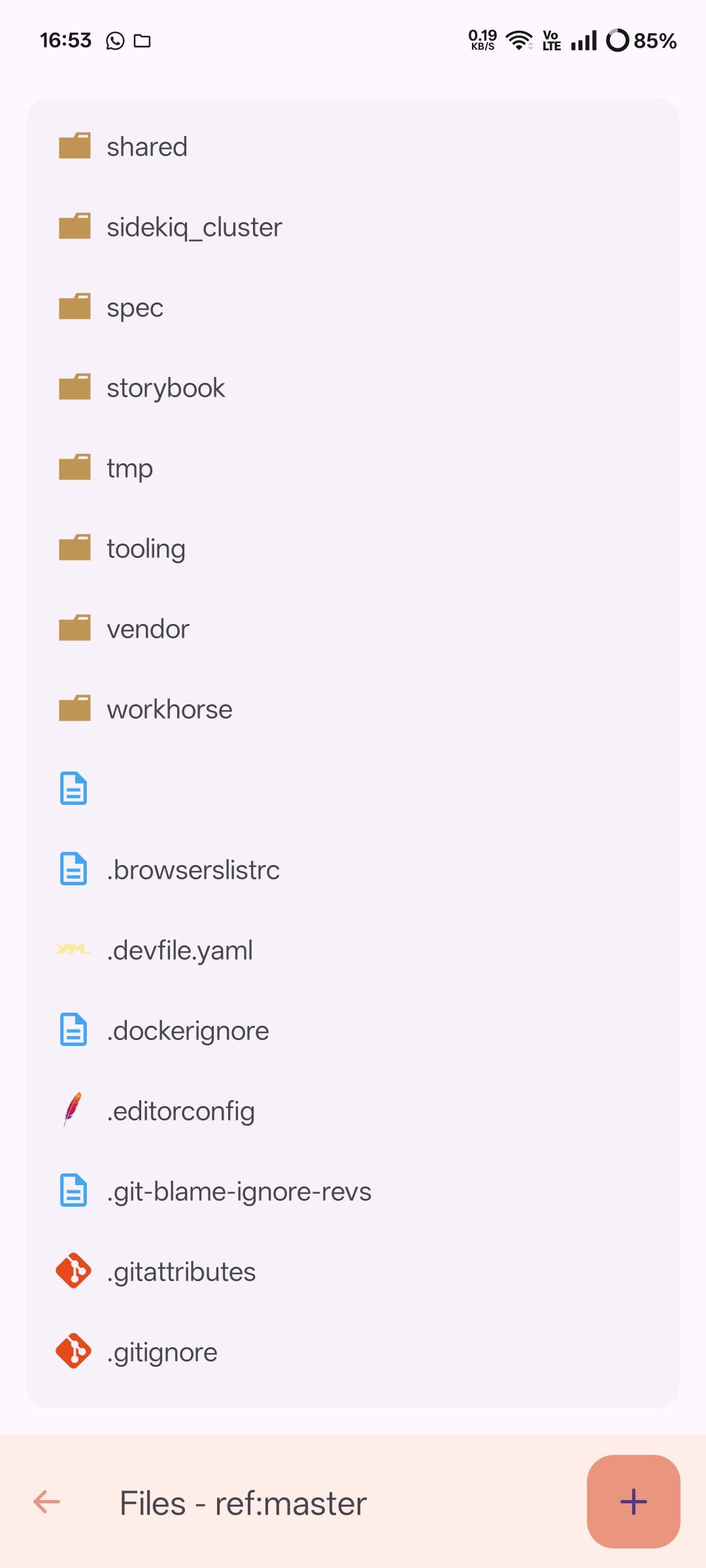
Show Original Post
arshubham (@arshubham@mastodon.social)
TIL worktrees are a thing in #git and for years i was badly juggling stashes and branches when working on multiple things at once.
Show Original Post
monospace (@monospace@floss.social)
#Git tip: `git stash push -m "description"` saves work-in-progress with a description. Use `git stash list` to see all stashes, `git stash pop stash@{0}` to apply a specific one.
Show Original Post
devto_vn_bot (@devto_vn_bot@mastodon.maobui.com)
Báo cáo VCS là giải pháp thay thế phương thức chia sẻ mã nguồn thủ công (USB/email) vốn chậm và dễ lỗi. Hệ thống quản lý phiên bản như Git:
🔹 Ghi lại mọi thay đổi: ai/cập nhật phần nào/khi nào
🔹 Loại bỏ nhu cầu chia sẻ vật lý
🔹 Cho phép "du hành thời gian" tới phiên bản bất kỳ
🔹 Hỗ trợ phân nhánh & hợp nhất mã song song
Giúp phát triển phần mềm nhanh hơn, an toàn và hợp tác hiệu quả dù team mở rộng.
#QuảnLýPhiênBản #Git #PhátTriểnPhầnMềm #CôngCụLậpTrình #LậpTrình
#VersionControl #Git #S
Show Original Post
sptral (@sptral@mastodon.social)
☕ Gitea vs 🛠️ Forgejo: ambos son hosts Git ligeros y open source para autoalojar repos. Gitea es conocido por su simplicidad, bajo consumo y gran comunidad, ideal para proyectos pequeños/medianos. Forgejo nació como fork comunitario con gobernanza independiente, rapidez en decisiones y foco en libertad. Elegir depende de tu preferencia por estabilidad vs evolución comunitaria.
#Gitea #Forgejo #Git #SelfHosted #OpenSource #DevOps
Show Original Post
sptral (@sptral@mastodon.social)
☕ Gitea es una plataforma Git ligera, rápida y 100% open source, ideal para autoalojar repositorios sin sobrecarga. Ofrece issues, pull requests, CI/CD vía integraciones y una interfaz clara, consumiendo pocos recursos. Perfecta para equipos pequeños, proyectos privados y quienes buscan control total de su infraestructura.
#Gitea #Git #OpenSource #DevOps #SelfHosted #SoftwareLibre
Show Original Post
clonbg (@clonbg@masto.es)
Los comandos que necesito para trabajar con git desde la terminal https://myblog.clonbg.es/los-comandos-que-necesito-para-trabajar-con-git-desde-la-terminal/ #Terminal #Git https://clonbg.es

Show Original Post
h4ckernews (@h4ckernews@mastodon.social)
A Claude Code plugin that catch destructive Git and filesystem commands
https://github.com/kenryu42/claude-code-safety-net
#HackerNews #ClaudeCode #Plugin #Git #Safety #FilesystemCommands #DeveloperTools
Show Original Post
tarsius (@tarsius@fosstodon.org)
Thanks for the suggestion, but I'm not gonna rename Magit. 🤨 #magit #git #emacs https://github.com/magit/magit/discussions/5499
Show Original Post
the (@the@ultracrepidarian.mysteriar.ch)
Alright, time for me to quit thinking about this and actually do it now. Having said that, I want any and all reasonable advice from anyone who's done anything like this before, so by all means—especially if you've tried doing something like this and went wrong at some point, because I would really like to know what not to do.
I'm about to set up an external ssd—one of those orange LaCie drives that's borderline indestructible and also connects over USB C, so also pretty fast, for USB at least—for my home directory as well as some other things related to that.
Already on NixOS, so Home Manager is already there, so continue using it, obviously. Also planning on making a new user that is separate from my current one, and also keeping the current one as-is, just it case; new one will use systemd-homed unless I happen to run into some reason why that's doesn't work, which I doubt, but I should also assume that's a non-zero chance until after I've already done all of this; assuming that works, which it should AFAIK, I want LUKs encryption, and out of the three available options (for systemd-homed, which are ext4, btrfs, and XFS), I want either btrfs or XFS if only to try something new (haven't used either of them before, already using ext4), and I'll consider any reasonable argument one way or the other in terms of which is better and why. Current idea is that splitting the drive into two partitions and symlinking between them is probably the best move; I suspect I'll find out soon enough. I also want Git and nothing else, as opposed to whatever fancy dotfiles manager; I'll make the few symlinks I'll actually need myself.
Thoughts?
#NixOS #Systemd #Git #HomeDirectory #Dotfiles
Show Original Post